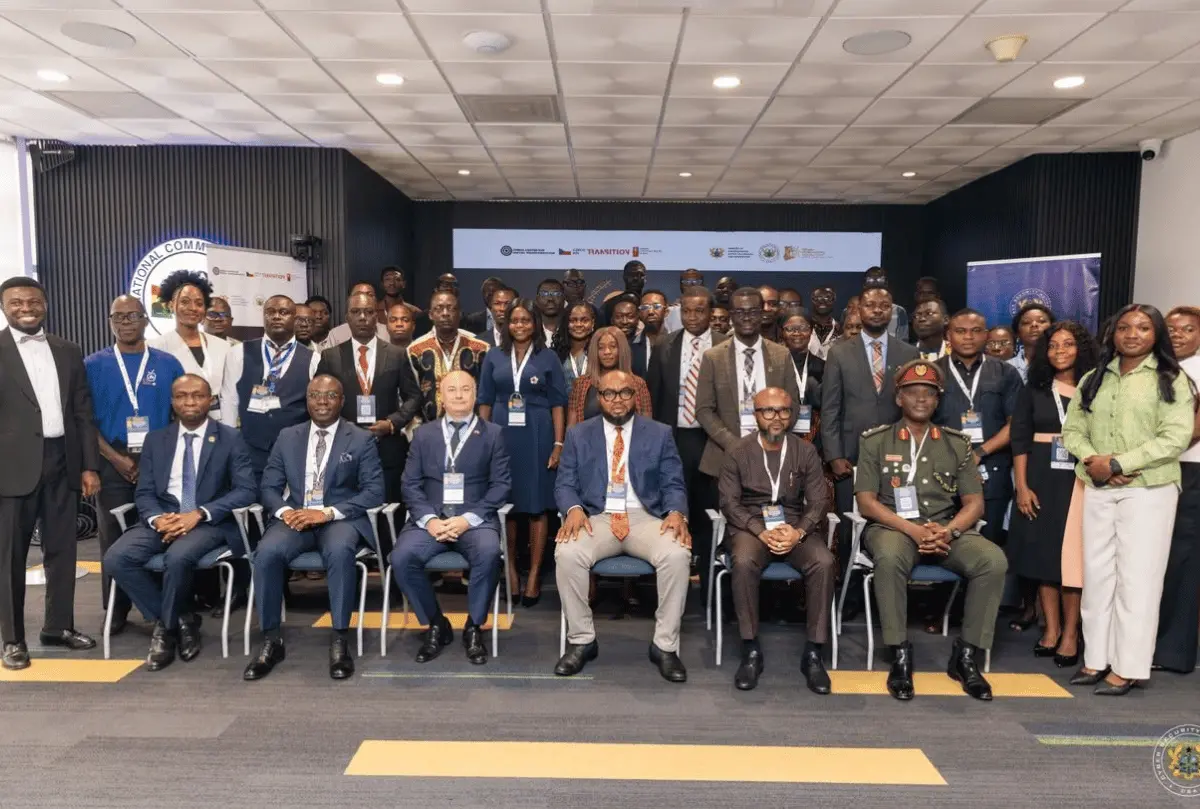
For many Ghanaian musicians, streaming has transformed how music reaches audiences, but turning those streams into a stable paycheck remains a challenge. That gap between digital reach and real earnings was the focus of MTN Ghana’s Digital Music Conference, held at MTN House in Accra.
The conference was a refreshed edition of MTN’s earlier event. It brought together artists, industry leaders, and creators under one roof to rethink how musicians and other music stakeholders can build sustainable income from their work. MTN Ghana used the gathering to restate its commitment to building a resilient and inclusive digital economy, one where creative talent can thrive alongside technological growth.
Why streaming income is hard to turn into a livelihood
Even as listeners move to digital platforms, many artists see only small fractions of revenue due to complicated royalty structures, distribution costs, and limited financial education. For Ghanaian artists, the challenge is often compounded by data costs and the difficulty of getting fair deals from aggregators and labels. The conference aimed to unpack these issues and help creators understand the business side of music.
Streaming offers reach, but reach does not automatically translate into earnings. An artist may have thousands of plays and still struggle to pay for studio time or equipment. This is why conversations like the ones at MTN House are necessary. They push the music industry to move beyond the excitement of going viral and to focus on building systems that actually pay creators.
What the conference offers the Ghana music community
The gathering at MTN House was not just a talk shop. It provided a space for artists to connect directly with industry leaders and other creators. By having these groups in one room, MTN is helping to break down the silos that often leave musicians on their own when negotiating royalties or building their brands. For up-and-coming artists, such a meeting can be a way to learn how streaming platforms work, what data matters, and how to build an audience that supports them beyond music sales.
MTN Ghana’s part in this is tied to its role as a telecom and digital services provider. With mobile money, data bundles, and digital platforms, MTN is one of the main channels through which many Ghanaians access the internet and pay for content. By supporting music industry conversations, the company is positioning itself as not only a network provider but also a participant in the creative economy.
What artists should take away
For musicians, the practical value of a conference like this is in understanding that streaming income isn’t just about the number of plays. It is about how those plays are monetized, how rights are managed, and how artists can build other revenue streams like live shows, merchandise, and partnerships. The conference also highlights the need for digital literacy, so creators can read their analytics, understand their contracts, and make informed decisions about their music careers.
But the event alone will not solve the income problem. Artists still need to follow up with action, whether that means negotiating better rates, finding a trustworthy distributor, or learning to market themselves directly to fans. Industry leaders, for their part, need to make the digital music space more transparent and fair.
MTN Ghana’s decision to host this refreshed edition shows that the conversation about music income is still far from over. For Ghanaian artists, the practical takeaway is clear: to turn streams into livelihoods, they need to understand the business, build their digital skills, and work with partners who have a genuine stake in their success. The next step is to put the lessons from MTN House into practice.