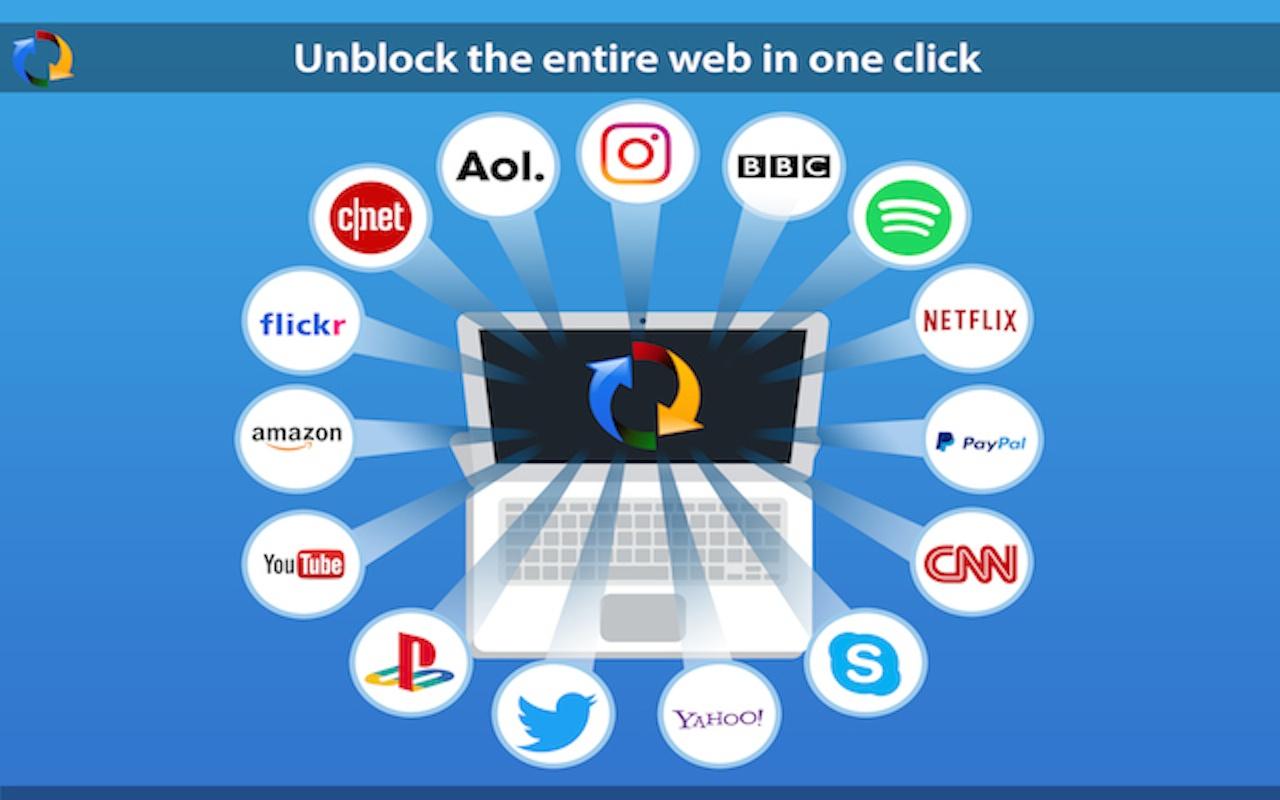
Tuxler VPN is becoming increasingly popular in Ghana for some reasons I do not know. Today, we look at what VPN is and review Tuxler.
What is a VPN?
VPN is an acronym which stands for “Virtual Private Network”. A VPN connection, gives a network of internet devices the ability to securely connect with others on the Internet as if they were part of the same private network. It’s Virtual. There are no physical cables present in this type of connection.
VPN was mostly used to access sensitive information across large corporate networks, This time, it is available to almost all internet users.
Why would you need to use a VPN?
-
Anonymity on the internet
There are many reasons a person would want to stay anonymous on the internet. Mostly for the bad, but a few more people stay anonymous for all the good reason. You would not want someone tracking you everywhere you go, right? Internet stalking could be dangerous. A VPN helps you to stay anonymous but you should also watch your browsing habits.
-
Privacy
There are some things that are best done Privately – like sharing sensitive information or online banking. Even when you are shopping online, you would need a certain amount of Privacy. Believe it or not, everyone on the internet is a target of a hack. A VPN can help you gain a fair amount of privacy when you surf the internet.
-
Freedom and Security
Not a lot of people would have imagined the Internet would get this big in the 21st The internet seems to be a real world, coupled with real world problems – Freedom and Security. VPN provides security by “hiding” your actual location. This gives you the freedom to say and do things you couldn’t have done with your real identity. Heard of Edward Snowden?

My experience with Tuxler
-
Easy to Set Up
It was very easy to set up Tuxler on a PC running Windows 8.1, with the Google Chrome Browser. I opened Chrome, Installed the Tuxler app and Installed the Extension. That was all and Tuxler was well set up.
-
Slow Internet
Using Tuxler slowed my internet by more than 80%. Maybe because it was free and a paid version would be much better. The slow nature of Tuxler got my spirits down.
Should you use Tuxler? It’s a matter of what you need to do. Are you willing to sacrifice speed for Privacy and Security? The Choice is yours. However, there are various other ways to be secured on the Internet without a VPN. They shall be covered in the coming weeks.
Download Tuxler VPN from the Chrome Store and Start using now
Have you used a VPN before or would you try one? Let’s hear what you make of Tuxler. Leave a comment below.